“Do you accept this e-wallet?” It is a familiar question at the counter or in a WhatsApp conversation. For business owners, deciding which options to offer involves more than recognising an app’s name.
Choosing the best e-wallet for business in Malaysia depends on how your customers pay, where you sell, and what it costs to receive payments. You also need a practical way to verify transactions, track sales and access your funds.
In this guide, we explain the options merchants can consider and the key checks that help you choose a payment setup suited to your daily operations.
What Does an E-Wallet for Business Mean?
An e-wallet for business usually refers to a setup that allows merchants to accept customer payments through supported e-wallet applications. It differs from using a personal e-wallet for everyday purchases or transfers.
Merchant payment acceptance follows the provider’s business registration requirements, charges and settlement arrangements. Available transaction records and reporting tools also depend on the service.
Businesses may accept e-wallet payments through a direct merchant arrangement, a supported QR setup or an online payment provider. For example, a physical store may display a payment QR code, while an online seller offers supported e-wallets at checkout.
Before registering, check that the arrangement supports your business activities and provides a practical way to verify payments.
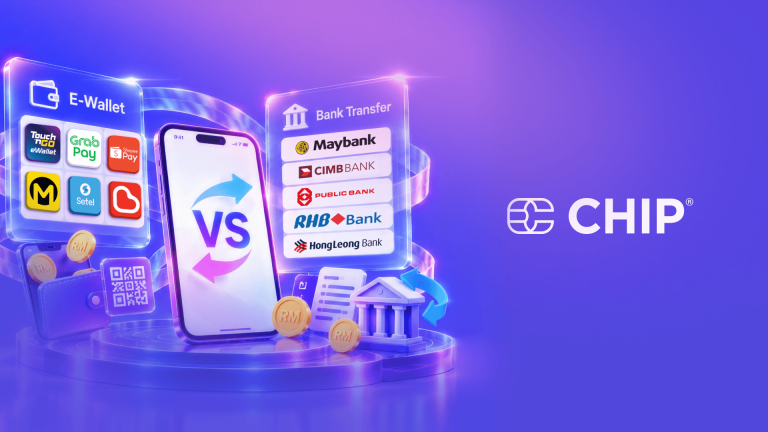
E-Wallet Acceptance vs DuitNow QR
E-wallet acceptance and DuitNow QR are connected, but they refer to different parts of the payment process. An e-wallet is the application a customer uses to pay, while DuitNow QR provides a shared QR payment standard.
With a supported merchant setup, customers can scan the same DuitNow QR using participating bank apps or e-wallets. This means you may not need a separate QR code for every supported application.
Before registering, check which services your provider supports, the applicable charges and how incoming payments appear in your merchant records.
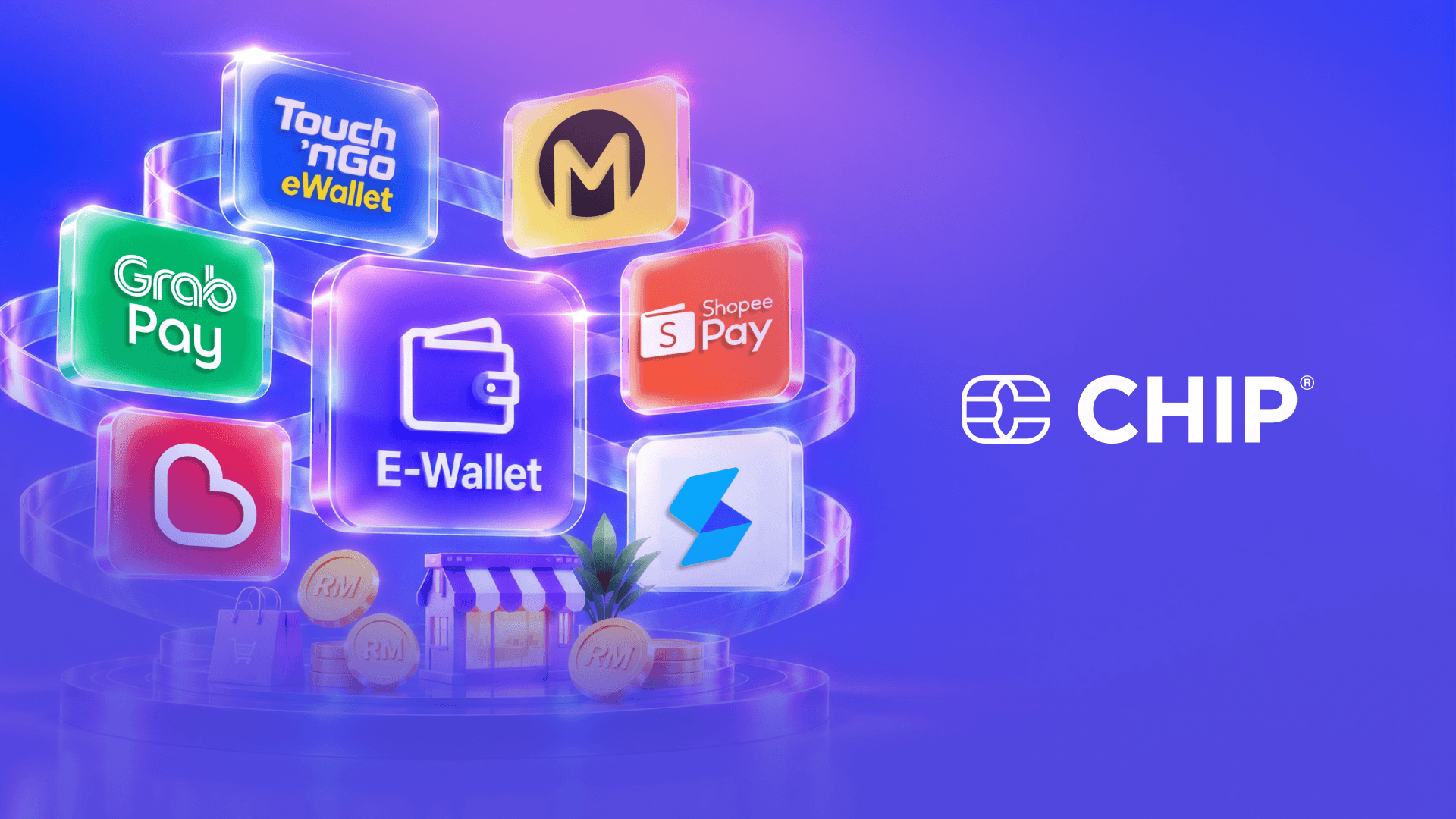
E-Wallet Options Malaysian Merchants Can Consider
When choosing the best e-wallet for business in Malaysia, compare how each merchant arrangement fits your sales channels and daily payment checks. The following options are worth reviewing.
1. Touch ’n Go eWallet
Touch ’n Go eWallet offers merchant QR payment acceptance. Its Merchant Dashboard allows registered merchants to monitor transactions and manage their accounts. This can support businesses that need to check incoming payments at the counter. For website sales, confirm whether your chosen payment provider supports Touch ’n Go eWallet at checkout. Review the relevant fees and settlement terms before registering.
2. Boost
Boost offers merchant payment acceptance through DuitNow QR, allowing businesses to display one supported QR code at their payment counter. Its business pricing information also lists payment links and settlement reports.
When evaluating Boost, check how payments appear in your records and how funds become available. Accessing money in a merchant wallet and receiving it in a bank account are separate processes, so review the arrangement that applies to your business.
3. GrabPay
GrabPay provides in-store payment acceptance and an online acceptance option for webstores. A physical retailer can evaluate its counter payment setup, while an online seller should check the integration required for website checkout.
Confirm merchant eligibility, charges, and reporting options for the acceptance type you need. Choose based on how customers purchase from you and how your team will verify payments, rather than the app’s name alone.
How to Choose the Best E-Wallet for Your Business
Understand Customer Preferences
Start with the apps customers already use or regularly request. Ask your team which payment questions come up most often, or gather feedback directly from customers. These observations help you choose options that fit actual buying habits rather than assumptions about popularity.
Match Your Sales Channels
Physical stores and pop-up booths need a straightforward counter payment process. WhatsApp sellers may benefit from payment links, while website owners need compatible checkout integrations. Confirm that your chosen arrangement supports the channels you use and gives staff a clear way to verify each payment.
Compare Merchant Fees
Review transaction charges and any setup, equipment, withdrawal or other applicable costs. Use current official pricing and the terms offered to your business. Compare costs against your typical order value and monthly payment volume. A fee waiver may have conditions, so check its duration and eligibility.
Check Settlement and Transaction Records
A successful payment notification confirms the transaction status; it does not always mean the funds are already available in your bank account. Review settlement timing and how you can access the money. Check whether staff can search transactions, identify references and match payments with orders without unnecessary manual work.
Review Refunds and Merchant Support
Understand how to request refunds, what conditions apply and whether charges are involved. Check available support channels for failed payments or unclear transaction statuses. Your team should know where to seek help and what details to provide, such as the payment reference, amount and date.
Do You Need a Separate Setup for Every E-Wallet?
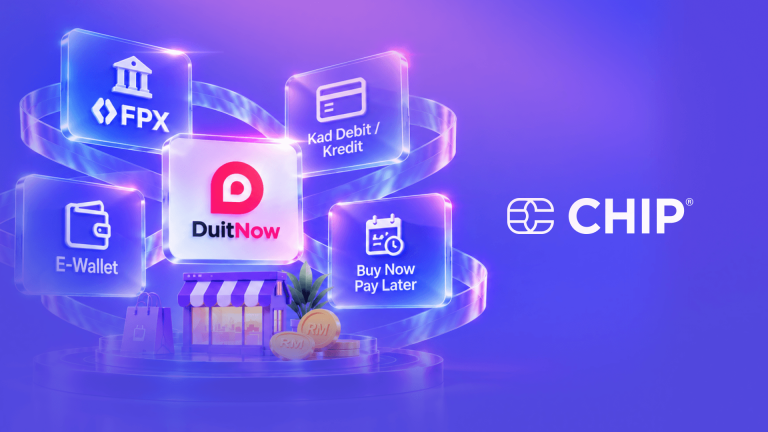
Not necessarily. Some merchant payment arrangements support multiple services, allowing you to accept payments without registering separately with every e-wallet.
DuitNow QR is one example. With a supported merchant setup, customers can scan one QR code using participating bank apps and e-wallets. Check which services your arrangement accepts before displaying the code.
For website sales, an online payment provider may offer several supported e-wallet options at checkout. Confirm the available methods, integration requirements and merchant eligibility before registering.
However, accepting multiple payment options does not automatically mean every transaction appears in one dashboard. Ask how payments are recorded and reported, particularly if you use different providers for your website, physical store and other sales channels.
Getting Started with E-Wallet Payments
Once you have compared the options, follow these steps to prepare your business:
- Identify customer preferences. Find out which e-wallets customers commonly use.
- Compare payment arrangements. Review direct merchant registration and payment provider options.
- Prepare business documents. Check the provider’s requirements before applying.
- Complete registration. Submit accurate information and wait for the necessary approval.
- Configure payment acceptance. Set up the supported merchant QR or website checkout.
- Check the customer journey. Confirm that payment instructions and business details are clear.
- Train your team. Show staff how to verify transactions through merchant records before fulfilling orders.
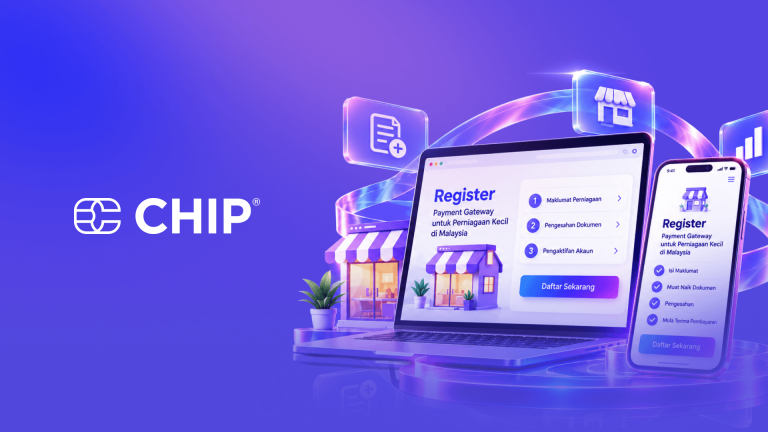
If you are considering CHIP, refer to its account registration guide for the onboarding steps and document requirements.
Explore E-Wallet Payment Options with CHIP
Choosing the best e-wallet for your business in Malaysia involves both customer convenience and practical payment management. Look for an arrangement that suits how customers buy and how your team verifies, records and manages transactions.
CHIP Collect is a payment solution you can evaluate alongside direct merchant arrangements. Review its supported e-wallets, current charges, integration options and reporting features to understand how it fits your sales channels and daily operations.
Looking for a more organised way to accept e-wallet payments? Explore CHIP Collect and check the payment options available for your business.